

User Guide (PX4)
The settings and configuration in this chapter apply to using C-COMPASS with a controller running PX4 firmware.
Enable compass
Open QGroundControl > Vehicle Setup > Parameters, search for "UAVCAN" and set the following parameters.
UAVCAN_ENABLEset toSensors Automatic Config.UAVCAN_SUB_MAGset toEnabled.
Calibrate compass
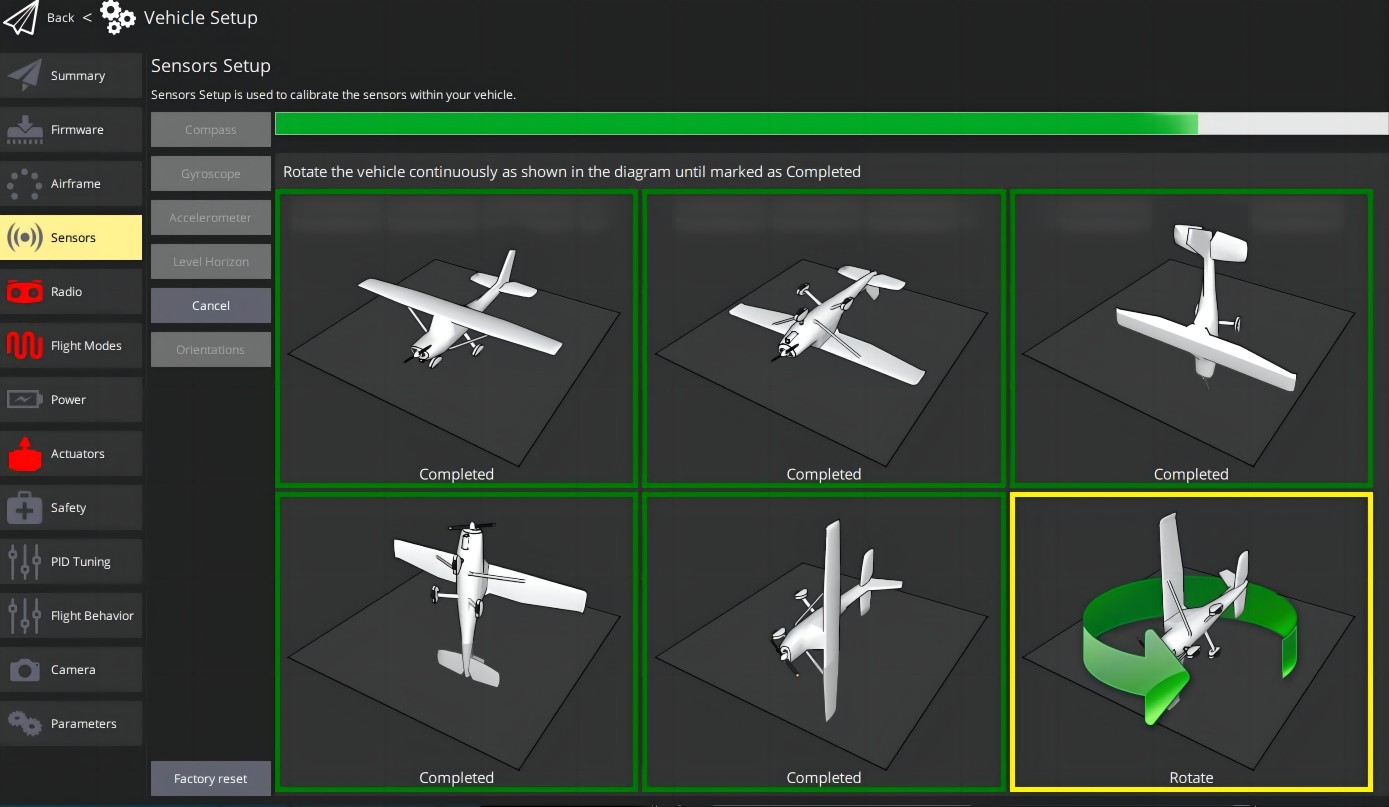
- Go to "Sensors > Compass" and follow the on-screen instructions.
Tip
Install the controller and magnetometer on the vehicle for calibration and do not move them afterwards. For larger vehicles, the arms or wings can be removed to make calibration easier (keep the compass away from arms or wings).