Hardware Installation
To use LTE LINK, you first need to set up the hardware system. This section describes the hardware installation of LTE LINK.
Note
The hardware connection of LTE LINK SE is the same as LTE LINK and will not be described separately.
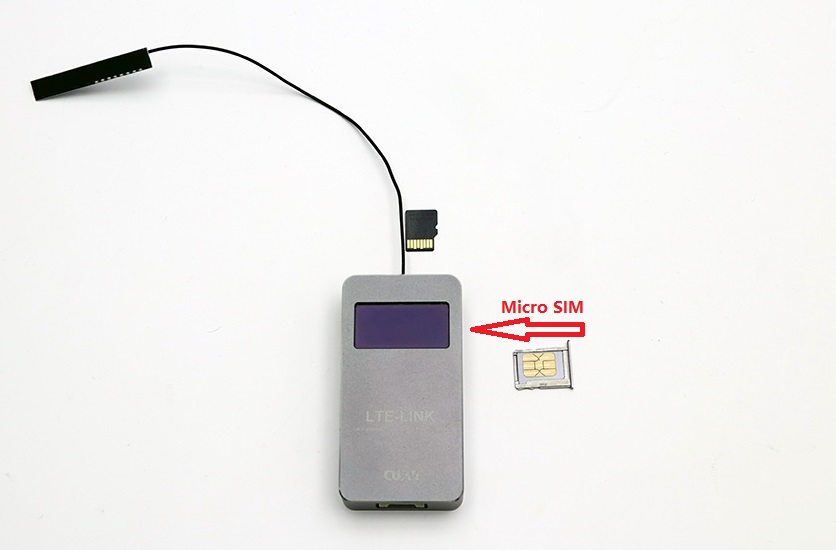
Micro SIM Card
In mainland China, LTE LINK supports the networks of China Mobile, China Telecom and China Unicom. In other countries or regions, check the supported frequency bands and network standards in the technical parameters and confirm with the local operator whether the LTE network on those bands is available. LTE LINK uses a Micro SIM card; insert the Micro SIM into the Micro SIM slot.
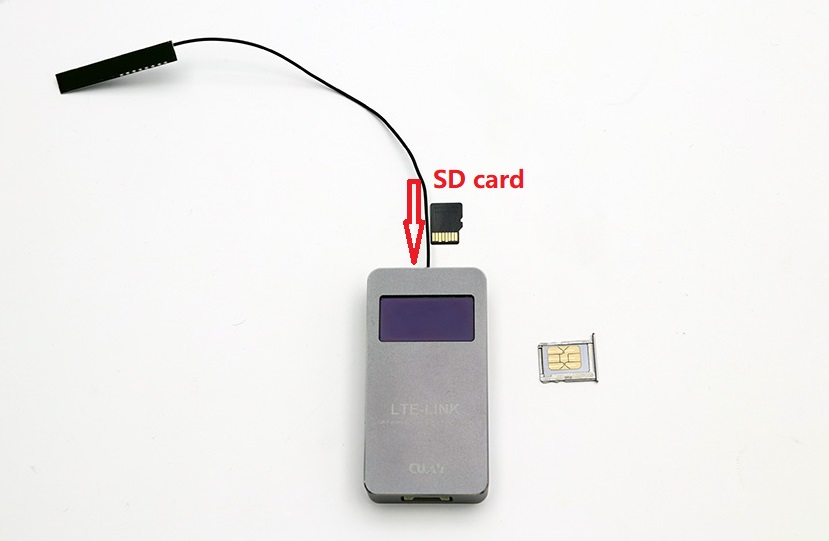
Micro SD Card (Optional)
LTE LINK supports Micro SD cards up to 64 GB (FAT32 format). The SD card is mainly used to store videos. Insert the SD card into the Micro SD slot.
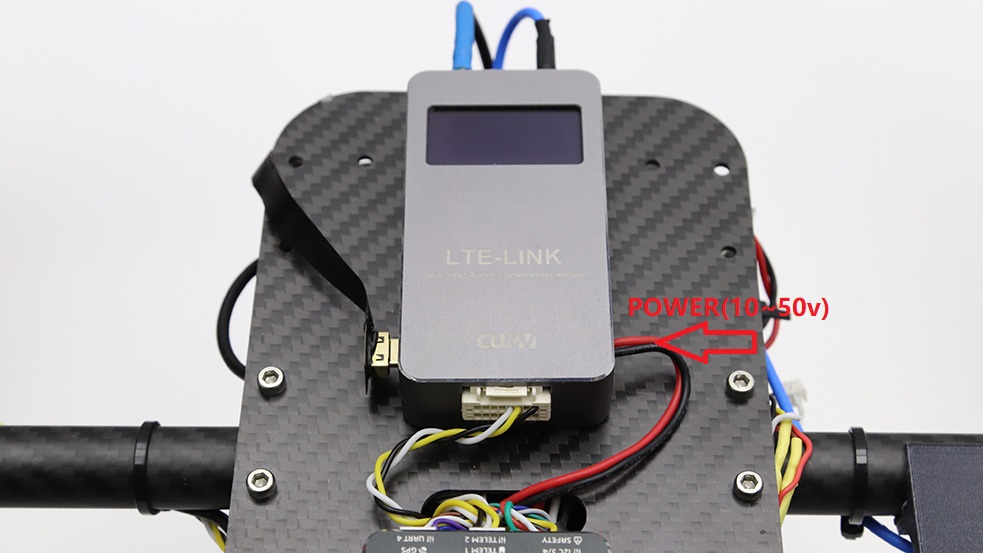
Power
LTE LINK has a built-in step-down regulator module and supports 10–50 V input. You can connect the power cable directly to a 3–12S battery to power the device.
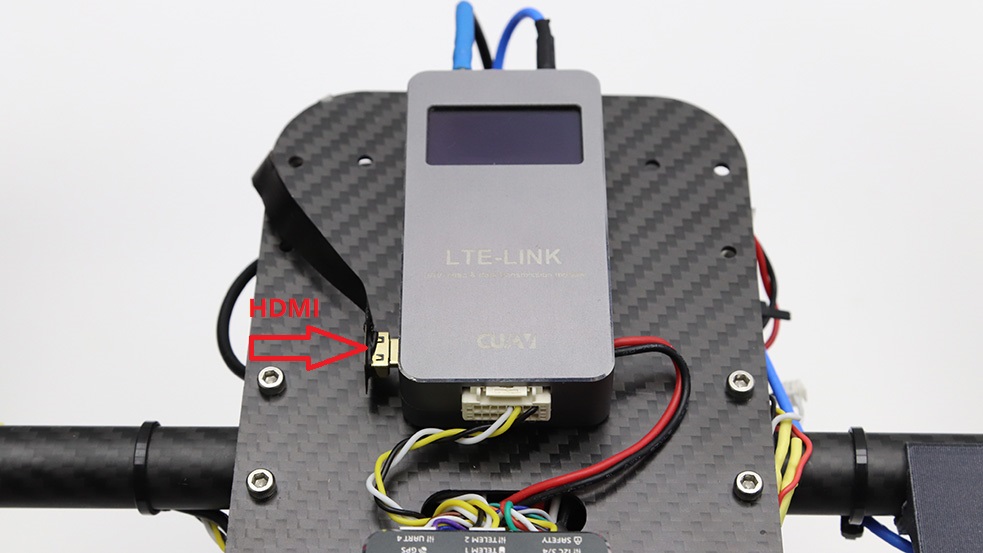
HDMI Video Cable
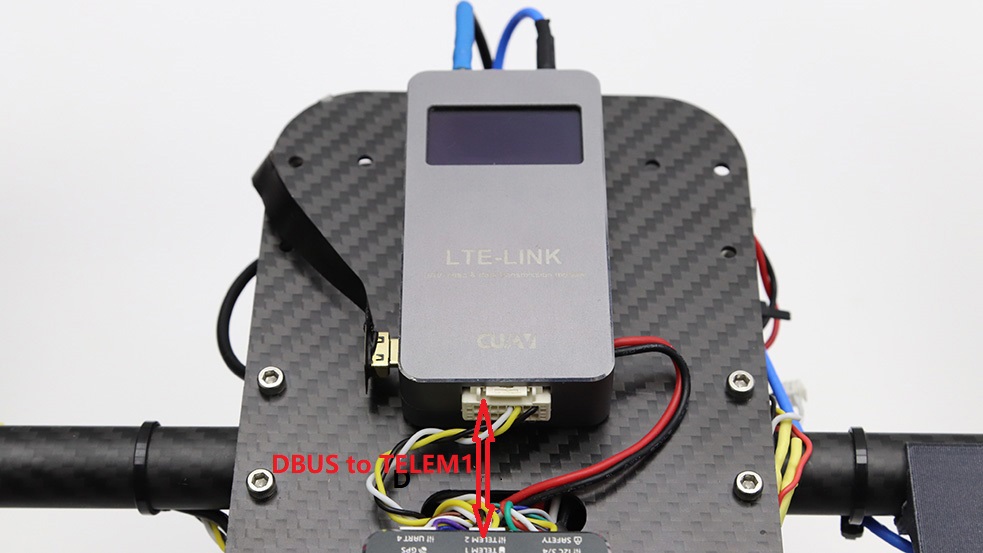
Connect LTE LINK to the Controller
Insert the data cable into the DBUS interface of LTE LINK, and connect the other end to the TELEM1/RADIO interface of the Controller (serial baud rate 57600).