

Using the Video Window
Feigong Transmission has an independent video window. You can watch the video directly in the application or move the video window to the main screen.
Tip
Up to 8 devices can be displayed at the same time.
Instructions
- Log in with your CUAV account.
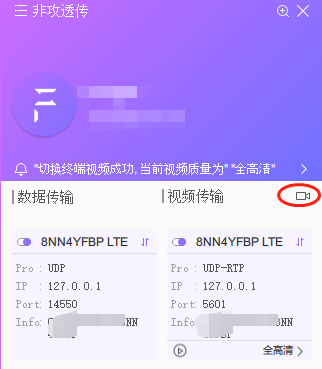
- Click the camera icon shown above.
- Find the corresponding display window and left-click to open the settings dialog.
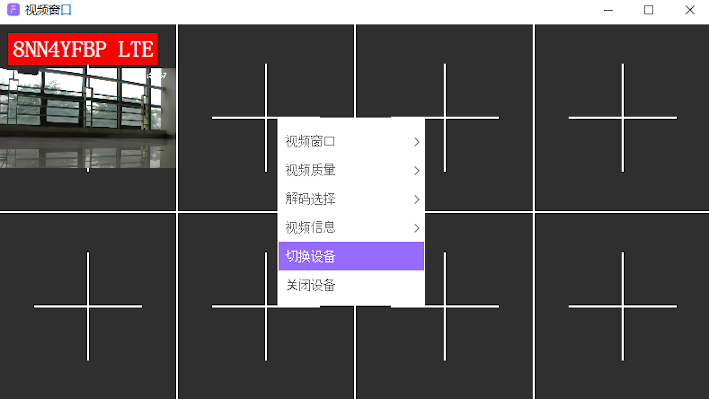
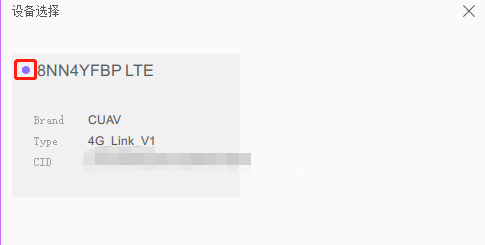
- Click the "Switch/Select Device" tab and select the corresponding device (a purple dot to the left of the device name means the device is online).
- Set the video window to multi-window mode.
- Set the video quality and resolution (higher resolution uses more bandwidth and requires a better network).