User Manual
Summary
This chapter mainly introduces the use of ONE BOX and related precautions
Need to use with the hardware device
Before using ONE BOX, you must have the following equipment:
- SIK RADIO Aircraft Digital Transmission (3DR Digital Transmission)
- AV camera or VCR with AV output
- 5.8G video transmitter or camera with integrated 5.8G transmitter
Matters need attention
Due to UVC device usage issues, uninstall UVC software on the phone
Such as "pocket FPV" and so on, in order to **avoid the program has always been open disorder **or **ground station can not get UVC device **permissions and can not open the video
Compatible hardware platform
ONE BOX compatible with Android devices and Windows PC
However, due to the optimization and streamlining problem of Android system, the UVC driver has been cut, and many mobile phones or tablets that use the MediaTek ** processor cannot be used (mainly domestic mobile phones and Meizu brand series).
List of supported Android devices:
| Chinese brand: | Basically Qualcomm processors support |
|---|---|
| Meizu | |
| xiaomi | |
| Lenovo | |
| OPPO | |
| hammer | |
| VIVO | |
| Foreign brands: | Basically Qualcomm processors support |
| Motorola | |
| LG | G3 / G4 / G5 |
| Samsung | NOTE3 / NOTE4 / NOTE5 / S4 / S5 / S6 |
| SONY |
How to use
Before using ONE BOX, make sure your on-board device is connected and installed correctly:
- The PIX flight controller is connected to the SIK digital transmission (3DR data transmission) and powered on
- The 5.8G video transmitter has an AV camera (or camera with AV output) connected and powered on
SIK data to use the default configuration to connect
Otherwise it will cause the parameters to be inconsistent and unable to connect
Down load Mission Planner
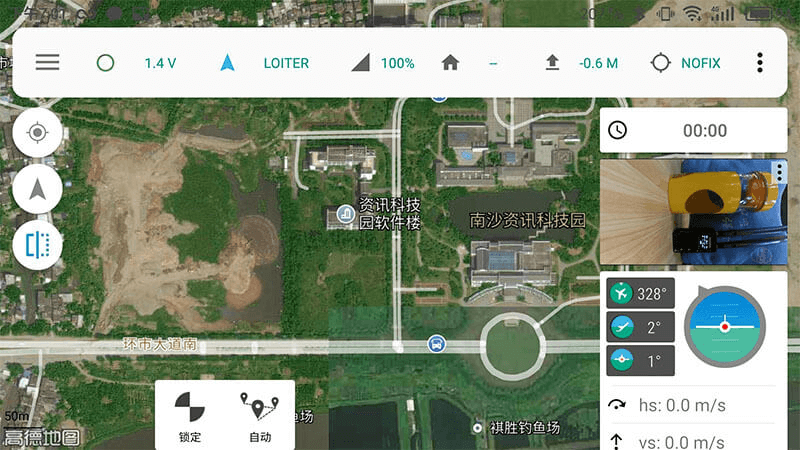
Android APP: CUAV Hflight
CUAV Hfight is a secondary ground station developed by CUAV. It mainly optimizes digital video streaming, domestic high moral maps, and adds support for PW-LINK, Hacklink, and ONE BOX.
[http://fw.cuav.net/apk/HFlight.apk] (http://fw.cuav.net/apk/HFlight.apk)
Computer Ground Station: Mission Planner
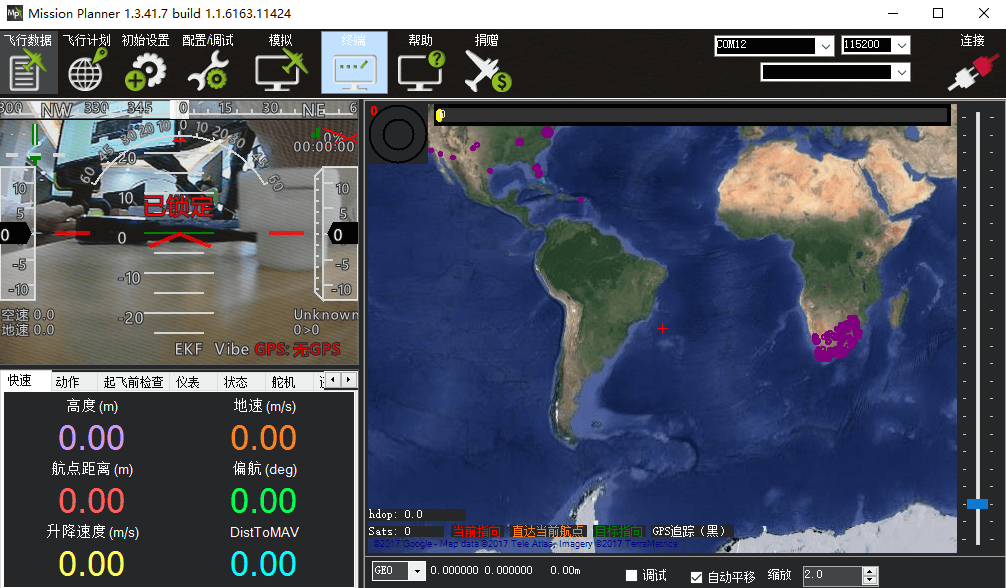
Mission Planner, an open-source computer-based ground station abroad, has been very mature and stable after numerous iterations of many years.
Download the [latest Mission Planner installer from here] (http://firmware.ardupilot.org/Tools/MissionPlanner/MissionPlanner-latest.msi)